
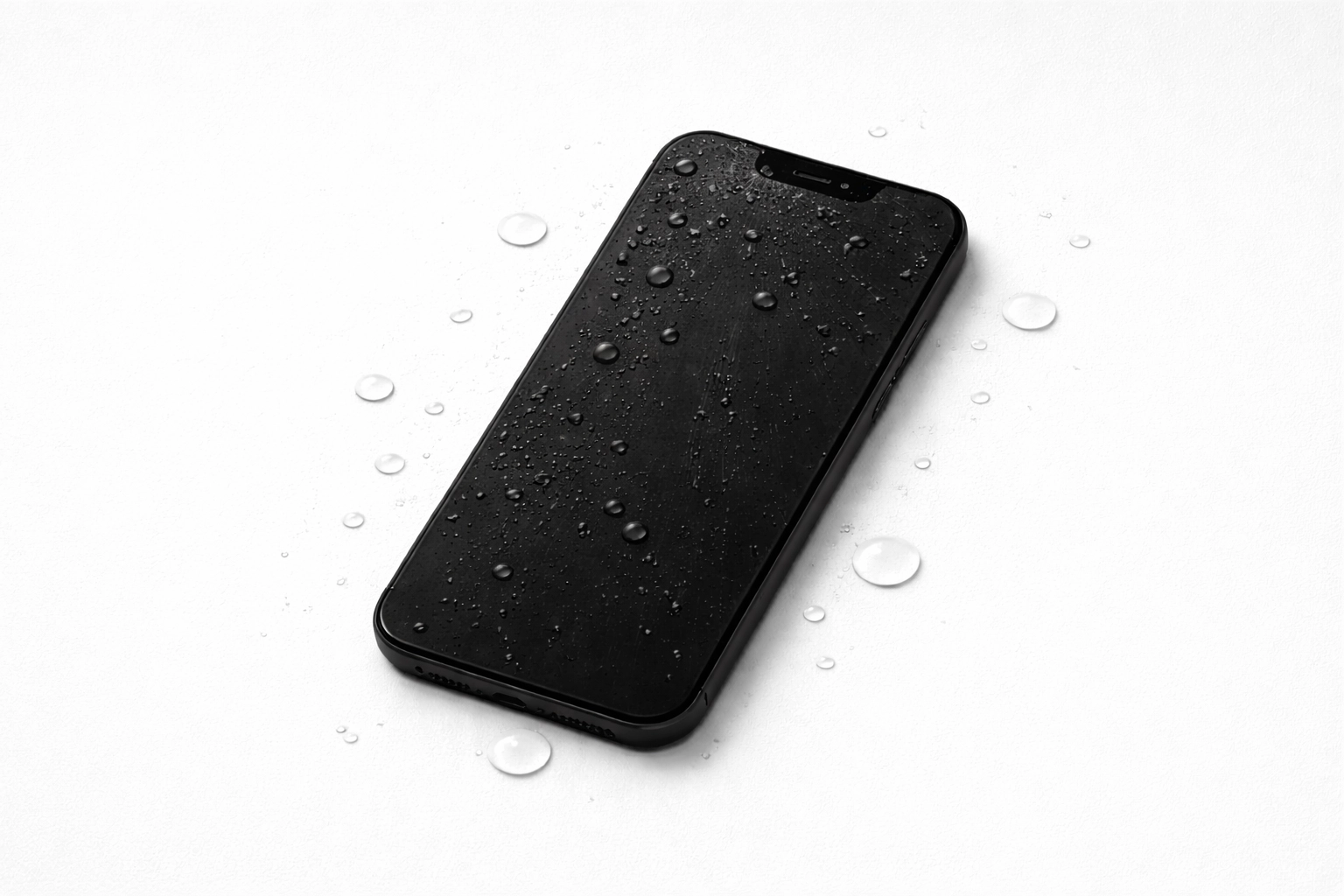
What should you do immediately after seawater exposure?
- Remove the phone from the water immediately. Every additional moment increases the opportunity for liquid to enter damaged seals, ports and speaker openings.
- Turn it off. If it is already off, leave it off. Do not keep pressing buttons to test whether it works.
- Disconnect power and accessories. Remove charging cables, headphones and the case. Remove the SIM tray only if it comes out easily.
- Wipe the outside gently. Use a clean, dry cloth. Keep the charging port facing downward where possible so trapped liquid is not pushed deeper into the phone.
- Arrange inspection quickly. Tell the technician that the liquid was seawater, when it happened and whether the phone was powered on afterward.
Why is seawater more damaging than fresh water?
Seawater contains dissolved salts and minerals. These residues conduct electricity and remain inside the device after visible moisture has dried. They can create short circuits immediately or continue corroding connectors, camera modules, charging components and the logic board over the following days.
A phone that starts normally after a beach accident is therefore not necessarily safe. Delayed faults such as overheating, charging failure, camera problems, distorted audio or unexpected shutdowns can appear later.
What should you avoid doing?
- Do not charge the phone. Applying power while saltwater contamination is present can cause additional electrical damage.
- Do not use a hair dryer, oven or direct sunlight. Excessive heat can damage batteries, displays, adhesives and internal components.
- Do not put it in rice. Rice does not remove salt or corrosion from inside a phone and may delay proper treatment.
- Do not repeatedly switch it on. Each attempt applies power to potentially contaminated circuits.
- Do not shake it aggressively. This can move liquid into areas that were not initially affected.
Can a seawater-damaged phone be repaired?
Sometimes. The outcome depends on the device, the condition of its seals, how long it was submerged, whether power was applied afterward and how quickly internal contamination is treated. A professional inspection may involve opening the phone, disconnecting the battery, checking liquid indicators, examining corrosion and testing affected parts.
Repair may range from internal cleaning to replacement of charging, display, battery or board-level components. If your photos or other data are the priority, say so before work begins. The safest repair plan can differ from the fastest attempt to make the phone turn on.
Where can travellers get phone repair in Kuta Bali?
Smartfix Repair is located at Jl. Majapahit No.83 in Kuta and serves residents and visitors from Kuta, Legian, Tuban, Seminyak, Jimbaran and nearby areas. Our technicians can inspect phones exposed to seawater, pools, rain and other liquids, then explain the condition and available repair options before proceeding.
Read more about our water-damage phone repair service in Bali, review our full range of phone repair services in Kuta, or get directions to the Kuta shop.
What information should you send before visiting?
For a faster initial response, send us:
- The exact phone brand and model
- When the seawater exposure happened
- Approximately how long the phone was submerged
- Whether it has been charged or switched on since
- Which functions currently work or fail
- Whether data recovery is more important than restoring everyday use
